
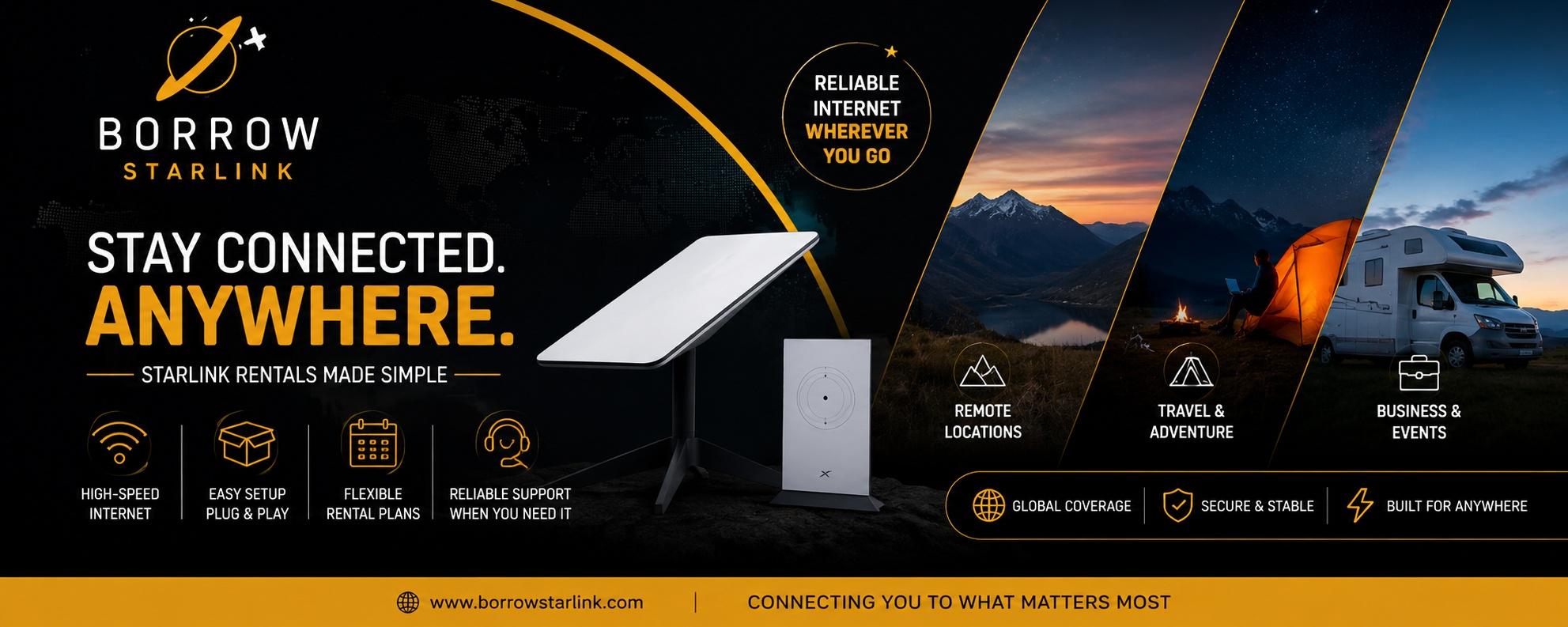
A family trip out of the city sounds relaxing until the car goes quiet and the tablets stop loading. Kids want a show, a parent has one work email to send and somebody needs directions that don’t depend on one flickering bar. If you are thinking about a Starlink rental Los Angeles for a trip like that, the useful question is not just whether it works. It is how to share one connection between several people without turning the campsite into an argument. This guide covers the practical side, from setup to simple family rules.
Decide what the connection is for
Before you rent anything, agree on the purpose as a family. A few common ones:
- Streaming a show in the evening
- A work email or call for one parent
- Video calls with grandparents
- Looking up maps, weather and reservations
- Letting older kids message friends
Not all of these need the same strength. Messages and maps need little. Several people streaming video at once needs much more.
What a rental includes
BorrowStarlink lists these items with each rental:
- The Starlink dish
- A Wi-Fi router that connects multiple devices
- A custom hard case
- Unlimited data, already configured
The company handles the accounts, subscription and equipment setup, so nobody in the family needs a Starlink account. The Starlink app only helps you troubleshoot.
One connection, many devices
This is the part families forget. One connection is shared by every device on it. Two kids streaming plus a parent on a call can slow things down for everyone. A few easy habits keep the peace:
- Work calls and important messages come first.
- Streaming happens in the evening, one screen at a time.
- Download shows and games at home before you leave.
- Share the Wi-Fi password with the family only.
- Keep a phone hotspot as a backup for short calls.
Put the rules in a short family chat or on a sticky note. Kids follow rules they helped make.
Download before you go
The best trick is also the oldest. Download movies, episodes, playlists and games on every device before the trip. The connection then becomes a bonus, not the only plan. Check that downloads work offline before you leave, since some apps need a sign-in first.
Choosing a spot at camp or the cabin
Starlink needs a wide, open view of the sky. Before you set up, stand where you plan to place the dish and look straight up. Trees, rooflines, cliffs and hills can block part of it. If part of the view is covered, move a few steps and check again. The Starlink app can show obstructions.
With kids around, placement matters for safety as much as signal.
- Keep the dish and cables out of play areas, walkways and the path to the bathroom.
- Weigh down the stand so wind or a running child can’t tip it.
- Tuck cables away or cover them, so nobody trips.
- Keep the dish well away from the campfire.
Put the router somewhere central and dry, such as inside the cabin or tent area, so the Wi-Fi reaches where the family sits.
Power on a family trip
The dish averages about 60 watts. A standard 110v outlet works, and so do an RV system, a houseboat, a generator or a small 100W solar panel. Remember the other things that need charging: phones, tablets and laptops. Add everything up before you leave, and bring a long, outdoor-rated extension cord and a power strip. If you use a generator, run it outdoors only, well away from tents, and check local fire rules before using fuel-burning equipment in dry areas.
Test it at home first
A test at home saves a bad first evening.
- Find a spot outdoors with a wide view of the sky.
- Place the dish on a stable surface and secure it.
- Connect the cables and plug in the power.
- Wait a few minutes while the dish finds its position.
- Join the Wi-Fi network and run a short video call.
Install the Starlink app before you leave cell service, since it is hard to download once you are offline. The Set-up Guide on BorrowStarlink’s site walks you through the first connection.
Keep expectations honest
Starlink handles calls, streaming, cloud work and uploads in places where other options fail. It has limits. Heavy rain can slow the connection, a partly blocked view causes dropouts and speeds vary by location and time of day, so treat advertised numbers as best-case figures. Tell the kids it will usually work, but they should be ready for the occasional buffering wheel.
Protect the kit from the family
Trips are messy. Keep the kit in its hard case when it isn’t in use, keep it dry and out of hot cars and wipe dust off connections. Decide who is responsible for it, so it doesn’t become everyone’s and nobody’s job. Take photos when you receive it, because damage can cost real money if a deposit is involved.
A dish is not a safety device
It needs power and open sky, so it may not be available when you need it most. Keep your usual safety plan for family trips: tell someone your route and return time, carry supplies and check road and weather conditions before you drive.
Getting the kit
BorrowStarlink has a Local Pick-up page and a Delivered page. The site doesn’t say where pick-up happens or whether delivery reaches Los Angeles, so ask the company directly and get the answer in writing. If you are organizing a larger family or group gathering, there is also an Enterprise page, and the company can tell you what it recommends.
Where the kits can be used
BorrowStarlink says its kits are designated for North America, including Canada and Mexico.
Questions to ask before you book
- Is a kit available for my dates?
- Can it reach me in the Los Angeles area, and how?
- What exactly is in the kit?
- How much is the deposit, if any, and how is it refunded?
- What are the late return and damage terms?
- How do returns work if my trip ends somewhere else?
- Who do I contact if something doesn’t work?
Family trip checklist
- Purpose of the connection agreed
- Family Wi-Fi rules shared
- Downloads done on every device
- Delivery or pick-up for Los Angeles confirmed
- Kit booked early, with a day of buffer
- Contents checked and photographed
- Starlink app installed
- Dish and cables kept out of play areas
- Power plan covers dish and devices
- Kit tested at home
- Return deadline and method noted
Final thoughts
A Starlink rental Los Angeles can keep a family trip connected, as long as you treat the connection as shared, download shows ahead of time and place the dish safely. Agree on a few simple rules, test before you leave and keep a backup.
If you want to look at options, BorrowStarlink offers short and long term rentals with the dish, router, hard case and unlimited data included. Check the Local Pick-up, Delivered and Enterprise pages on its site, then contact the company to confirm availability for your dates.

 English
 French
 Spanish
 Portuguese
 Deutsch
 Turkish
 Dutch
 Italiano
 Russian
 Romaian
 Portuguese (Brazil)
 Greek