

A Salesforce Object is a user-defined data structure that empowers you to store confidential business data. Some commonly used Salesforce Objects include Accounts, Contacts, Leads, Opportunities, and Cases.
Cloning Salesforce Objects becomes essential for admins when they need to quickly duplicate a record, along with its crucial data, such as a prior opportunity with its associated products and stages. Additionally, it can be helpful when you want to replicate the metadata (structure) of a custom object, including fields, validation rules, record types, and field sets, to create an identical object without having to design it from scratch.
Let’s discuss the two approaches for cloning Salesforce Objects across your orgs.
Clone Salesforce Objects using the Manual Method
The manual approach to Clone Salesforce Objects involves recreating relevant objects and their components in the new org. This process requires you to create everything from scratch in the target org. However, this approach is both complex and time-consuming for Salesforce admins. The situation worsens when you need to migrate multiple custom objects with distinct fields, validation rules, record types, and field sets.
Here are the steps you need to follow to clone Salesforce objects using the manual approach:
Identify the Object to Clone
Document Object Fields and Properties
Export Object Metadata (Optional via ANT/CLI)
Recreate Object in Target Org
Add Fields Manually in Target Org
Configure Record Types
Recreate Validation Rules
Recreate Field Sets
Recreate Page Layouts
Recreate Relationships (Lookup/Master-Detail)
Rebuild Permissions (Profiles & Permission Sets)
Recreate Workflows, Triggers, and Automation
Recreate Reports & Dashboards Linked to the Object
Test the Object in Target Org
Deploy to Production
How would you tackle the hurdle and ensure that all object components get transferred seamlessly into your target org without starting from scratch?
Clone Salesforce Objects using migSO
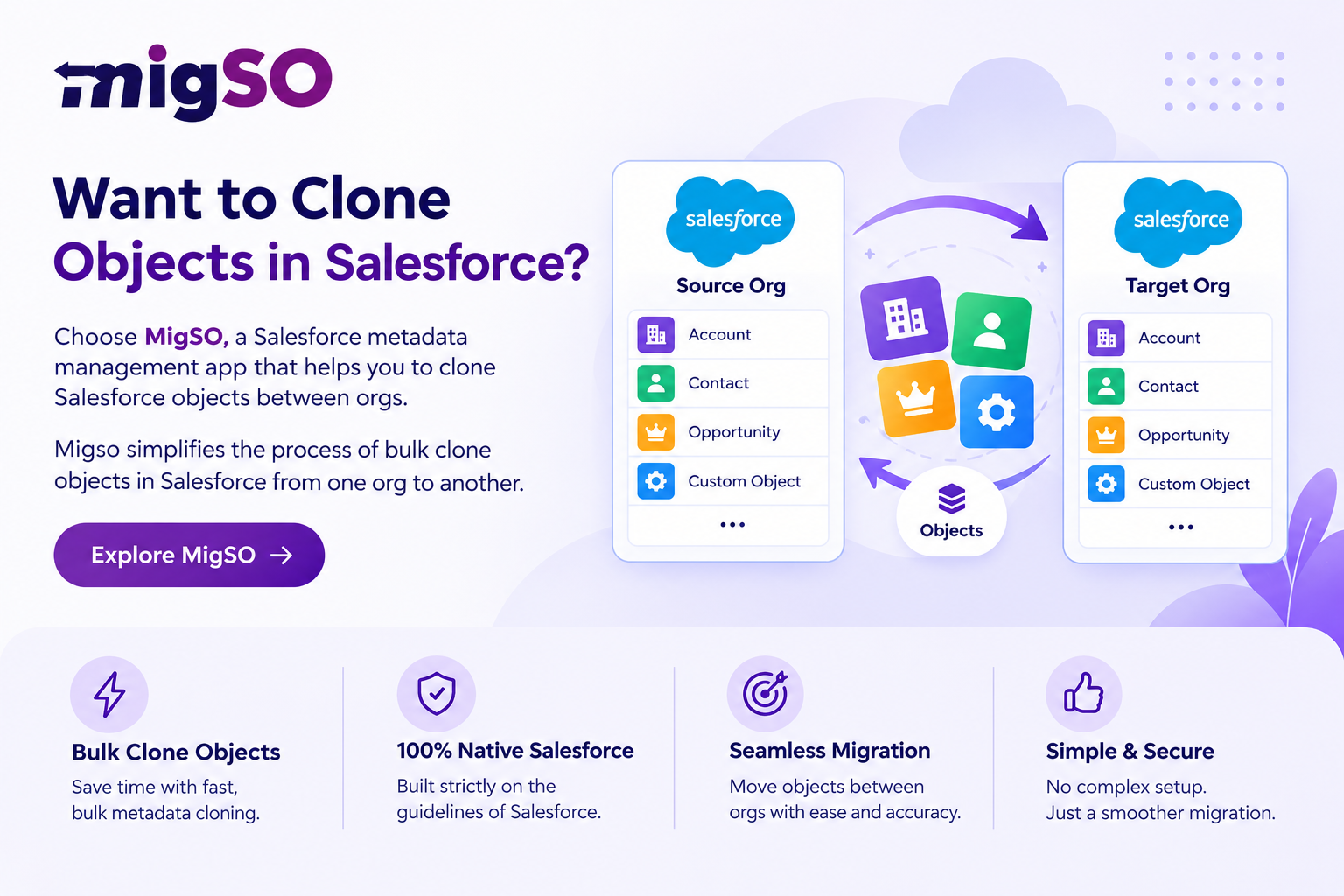
migSO is a native Salesforce app that empowers you to clone, export, manage, and compare metadata items with ease. It is a powerful tool that enables admins to bulk-clone standard and custom objects from one org to another, all within a few clicks. Furthermore, it also lets you adjust the permissions for different profiles. Here are the simple steps you need to follow to clone Salesforce objects using migSO:
Step 1. Open migSO via App Launcher
Step 2. Select Clone Wizard
Step 3. Select Metadata Item
Step 4. Select Source Org
Step 5. Choose Objects & Deploy
Step 6. Review Deployment Status
Step 7. Set Fields Permission
Step 8. Download Report
Conclusion
Cloning Salesforce Objects manually can become hectic for admins, especially when dealing with orgs that contain multiple objects and their related components. migSO simplifies this process by offering a streamlined approach to cloning Salesforce objects in mere seconds. This #1 Salesforce Metadata Management App empowers you to clone both standard and custom objects across your orgs.
Who are We?
Tech9logy Creators is a Registered Salesforce Consulting and ISV Partner Company with over 11 years of experience. We have a certified team of developers with extensive knowledge of the Salesforce AppExchange, providing you with best-in-class, personalized apps. Our dedicated Salesforce experts help you bring the best out of your CRM and ensure your business operates at its highest potential.
Read More: https://migso.io/our-blog/features-benefits/clone-salesforce-objects-manual-vs-migso-way/
0 Commentaires
0 Parts
3086 Vue
0 Aperçu

 English
 Arabic
 Spanish
 Portuguese
 Deutsch
 Turkish
 Dutch
 Italiano
 Russian
 Romaian
 Portuguese (Brazil)
 Greek